
SirenoDECKv0.2.1
Declarative control for
your Stream Deck
A Node.js CLI that drives your Elgato Stream Deck from a single YAML config. Emulator, real hardware, and dev SPA — all from the same React interface.
Star on GitHub—brew install sergiocarracedo/tap/sirenodeckFeatures
Power up your workflow
Three execution surfaces from the same codebase: browser emulator, real hardware, and Vite-powered development SPA.
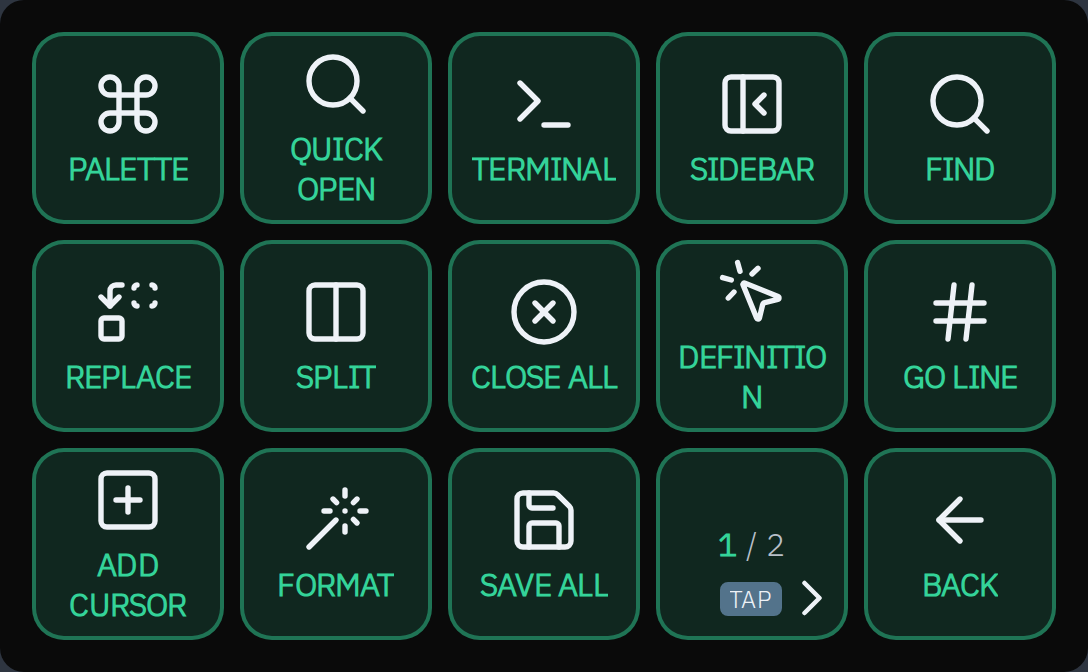
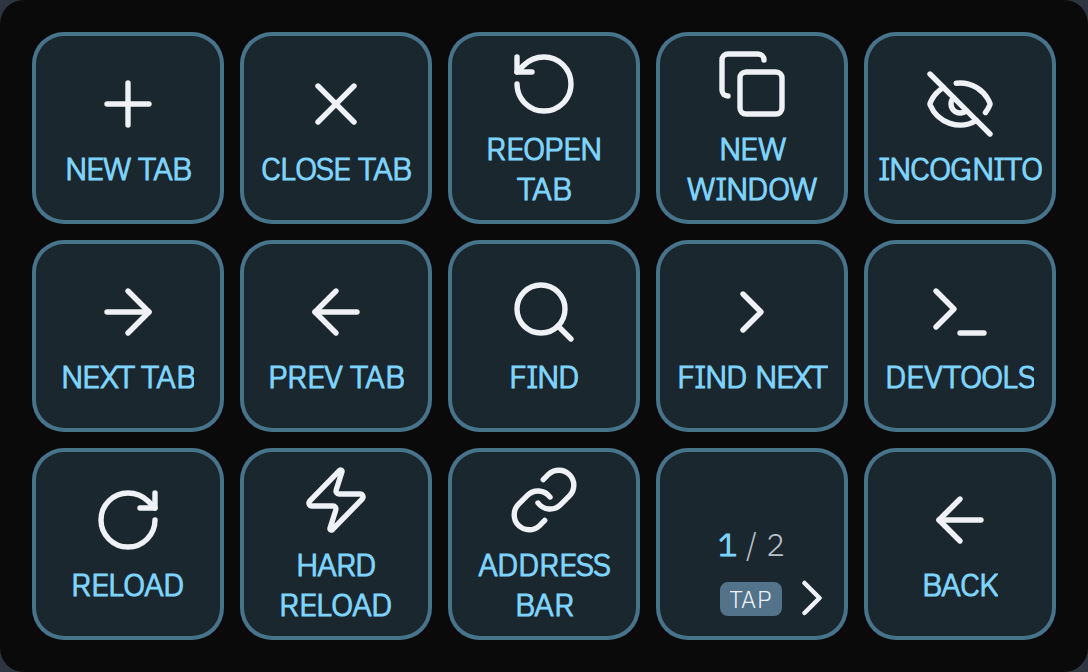
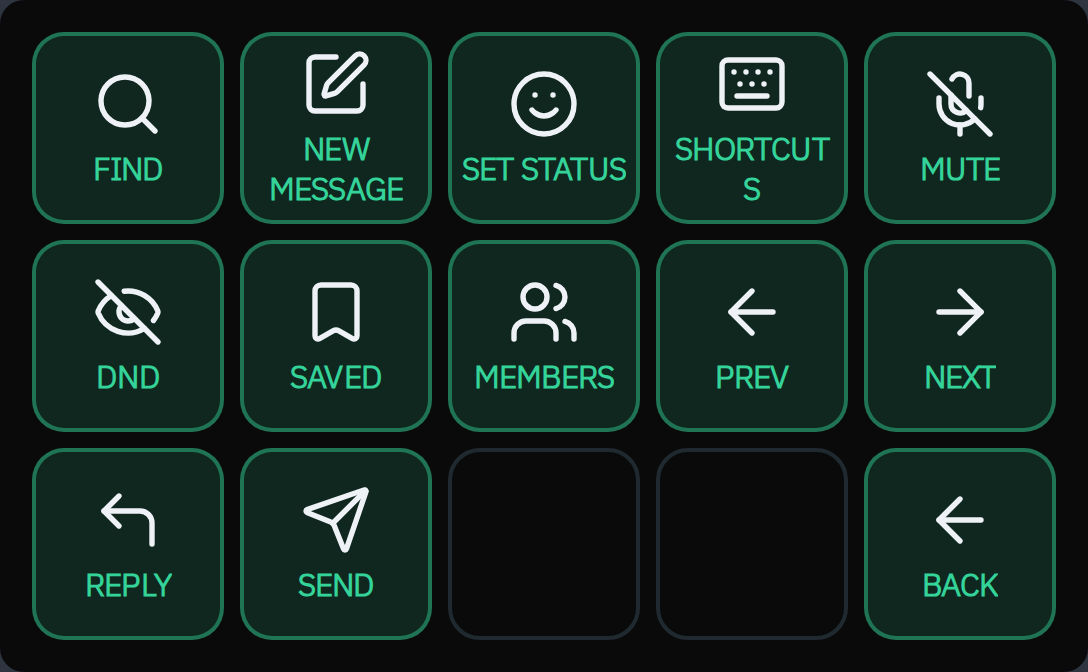
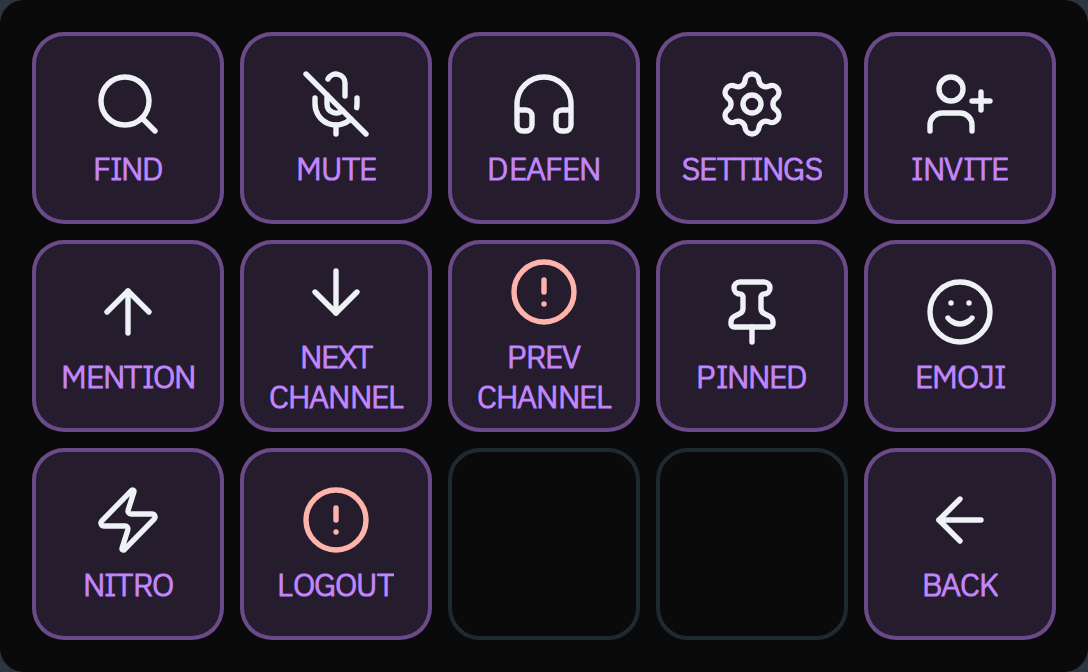
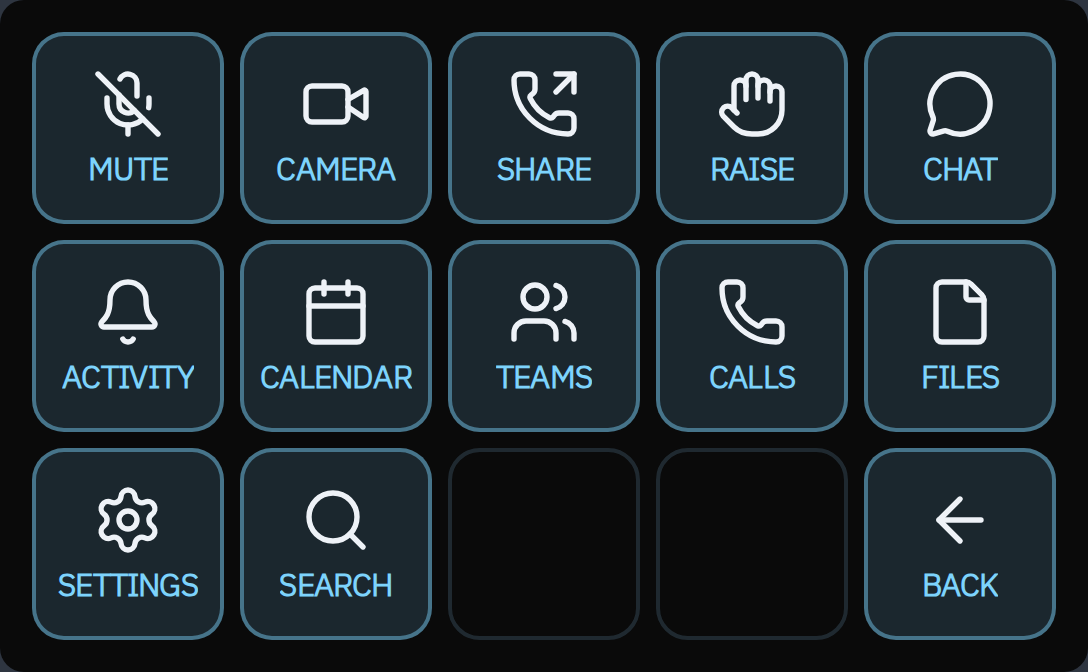
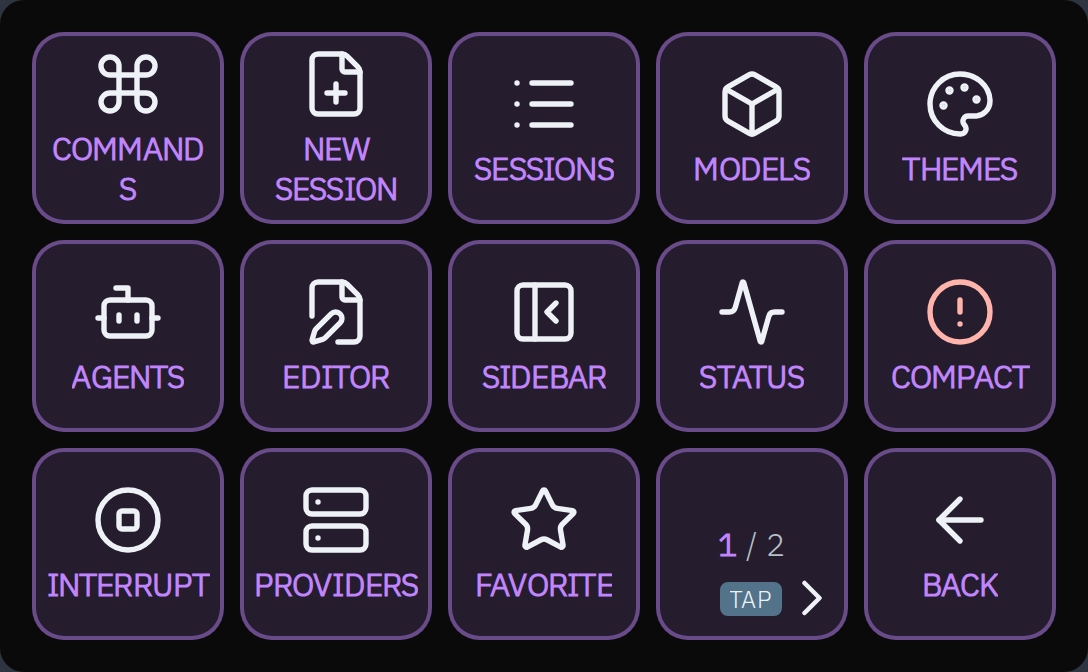
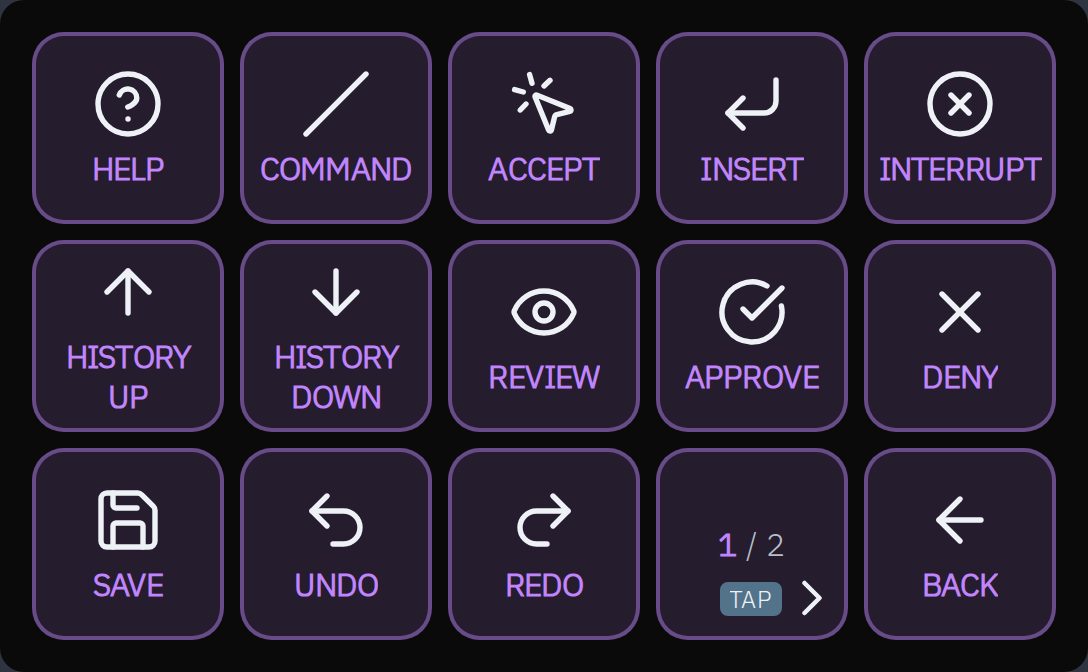
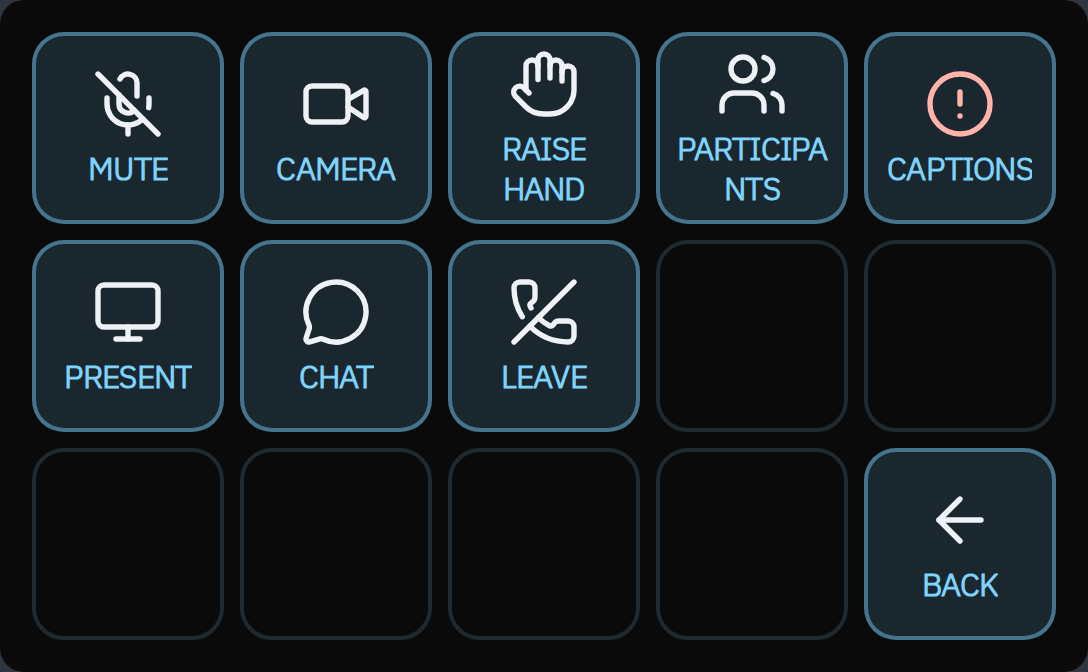
Overlay Decks
Contextual decks that appear automatically when you switch applications. Your main deck stays intact while an app-specific overlay takes over temporarily. Overlays maintain their own navigation and return to the previous deck when you close the app.
Addons & Themes
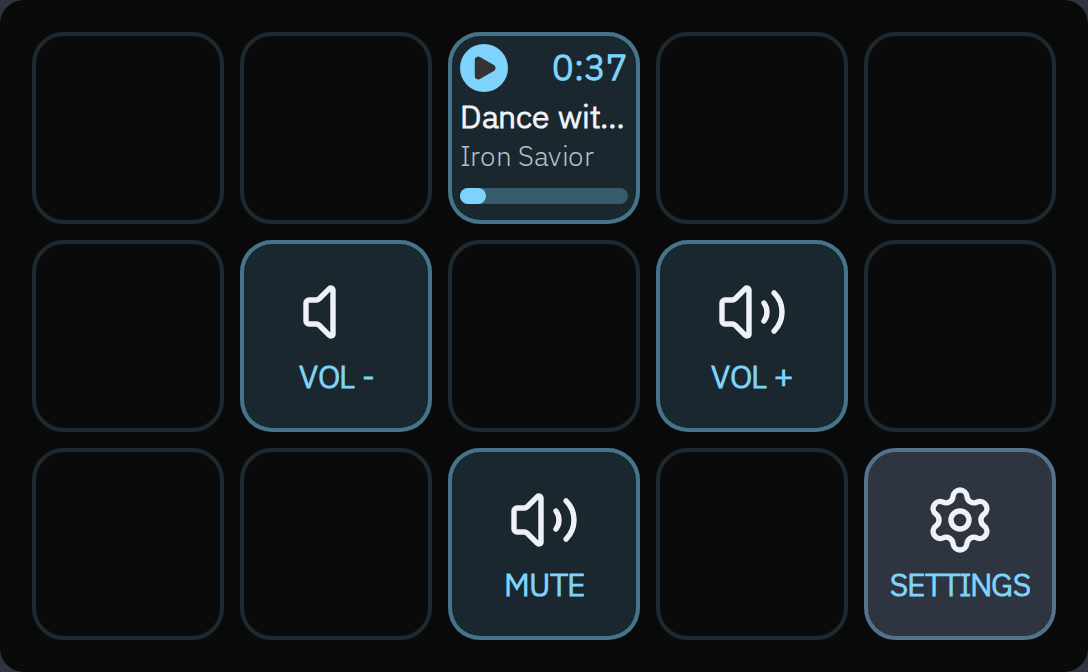
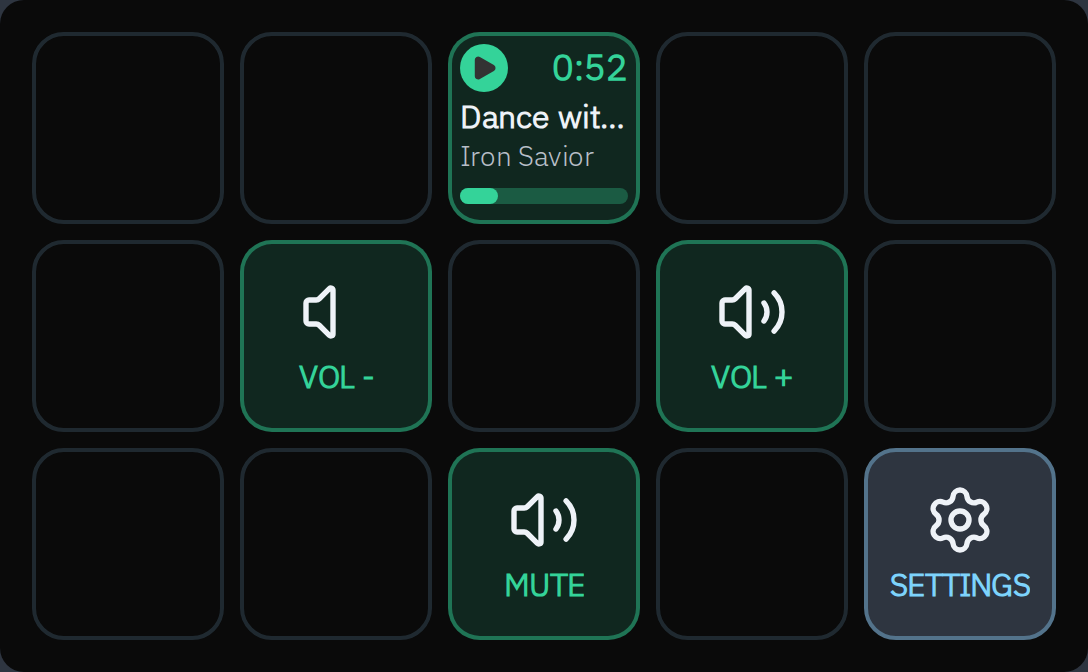
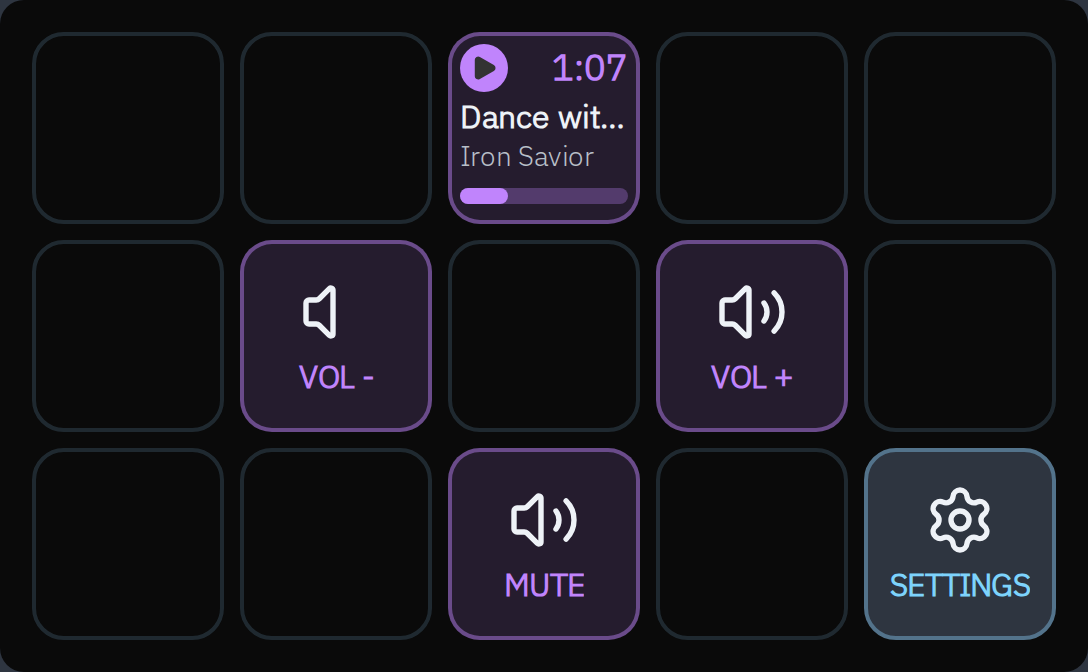
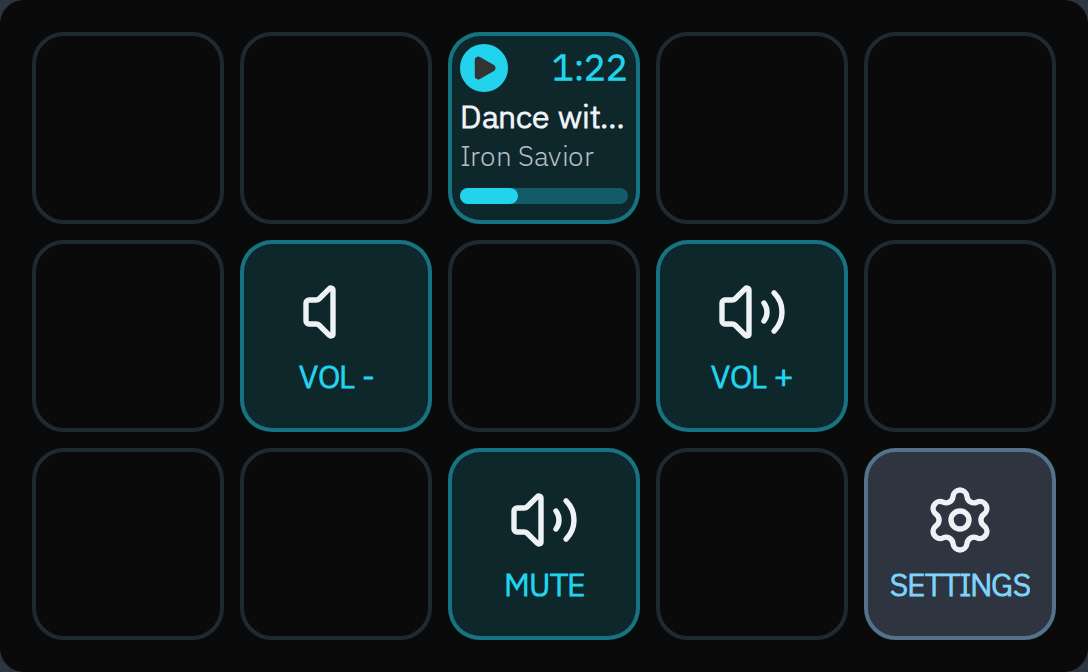
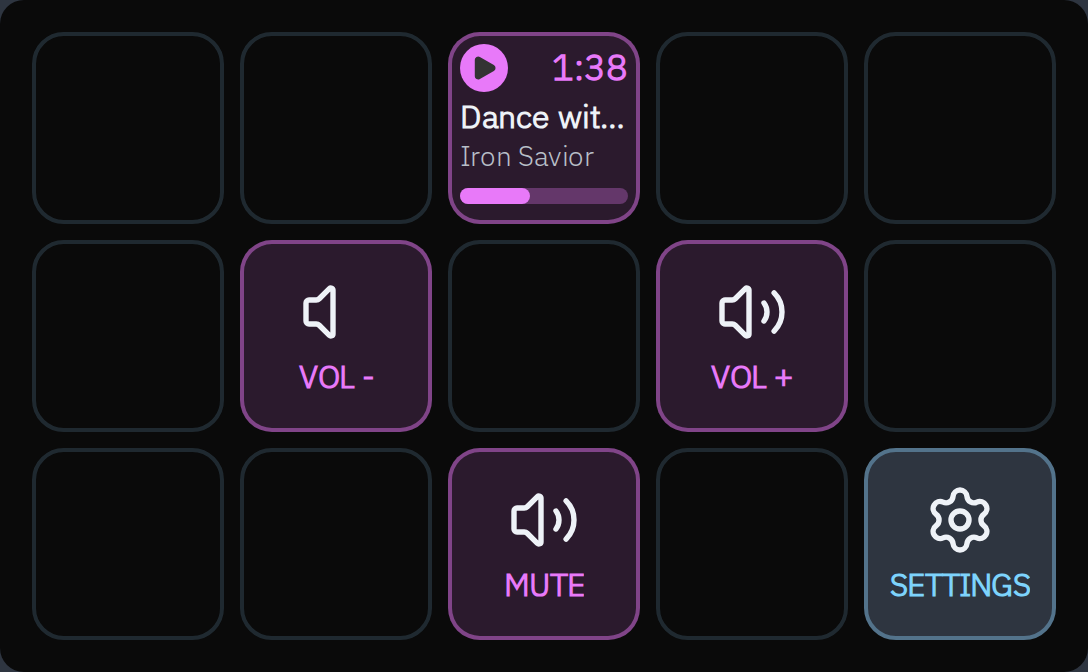
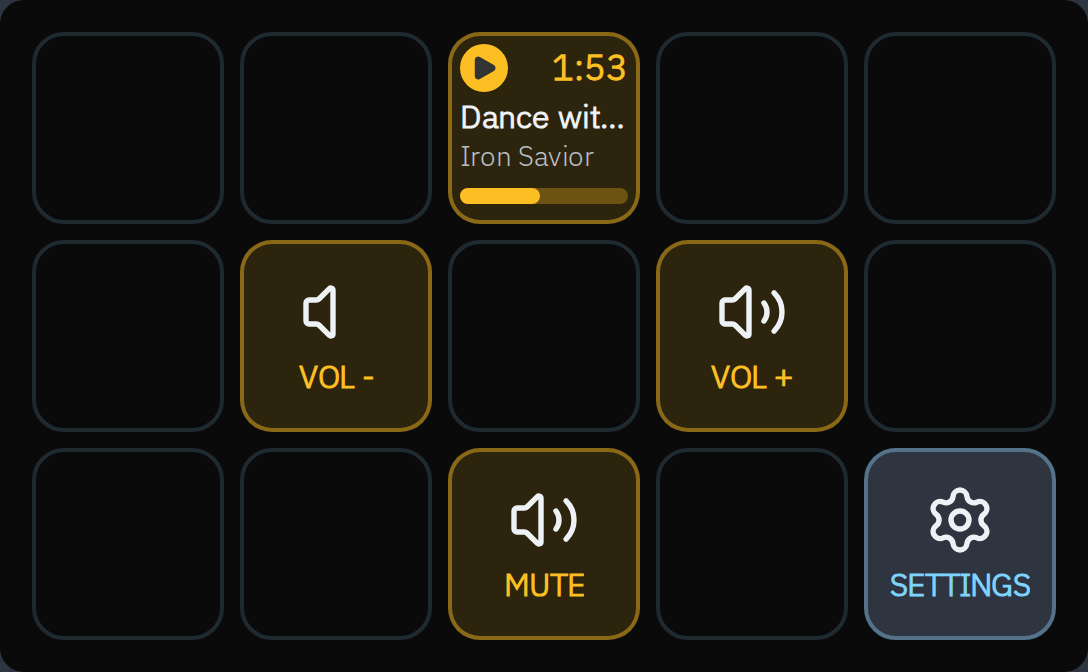
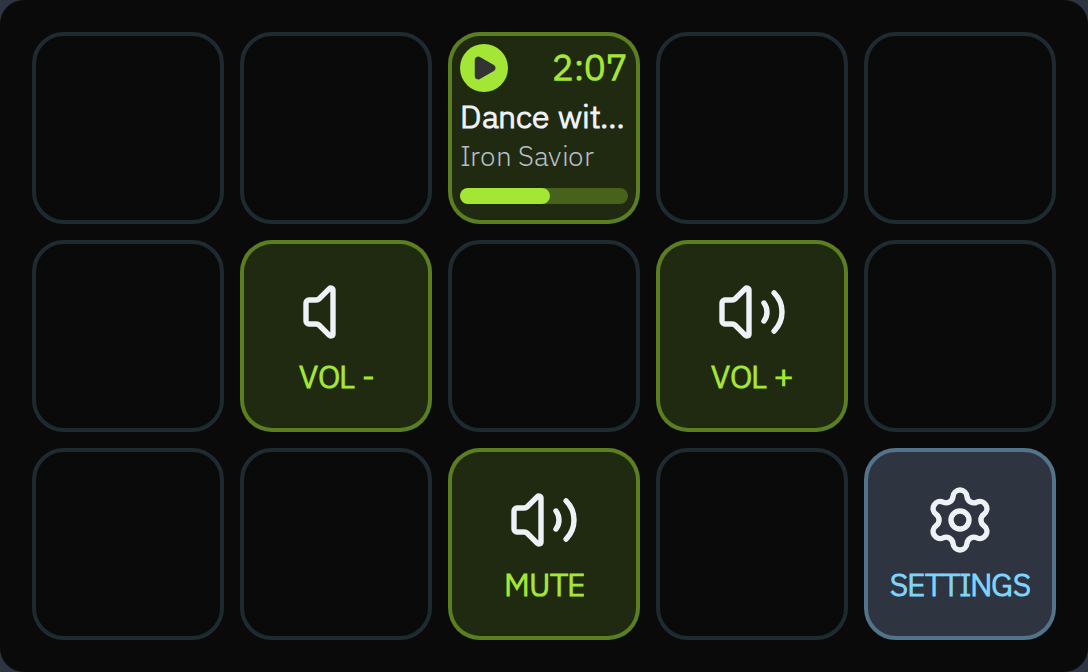
Extensible plugin system with a well-defined API. Share addons via npm. Custom themes use a JSON manifest for color, typography, and more. Twelve addons included or distributed across the workspace.
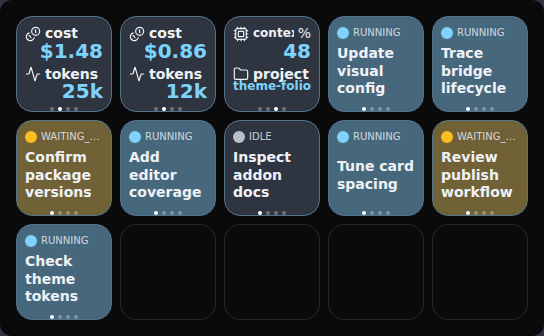
Coding Agents
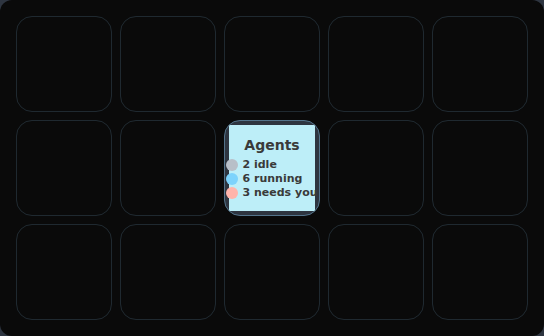
Live status of OpenCode and Claude Code sessions on the deck — see active agents, send prompts, manage contexts. Preview uses illustrative sessions.
Configuration
Simple, straightforward YAML
No JavaScript required for basic usage. Define decks, buttons, and actions in a human-readable YAML file.
theme: default

decks:
  main:
    name: Main
    buttons:
      - position: 0
        type: core:action
        config:
          icon: icon://github
          label: GitHub
        actions:
          tap: "xdg-open https://github.com"

      - position: 2
        type: date-time:time
        config:
          variant: big

      - position: 4
        type: weather:weather
        config:
          location:
            latitude: 42.2304
            longitude: -8.7256
name: VigoFull schema validation prevents runtime errors before your deck ever boots.
YAML changes reload automatically via SIGUSR1 — no restart loop.
Simple addon:type syntax for any button — your own, third-party, or core.
Visual configuration
Shape your deck.
See it as you go.
The config UI pairs a live deck preview with an editor for your decks and buttons. Start in emulator mode to try changes before using hardware.
sirenodeck start --emulator
Explore the emulator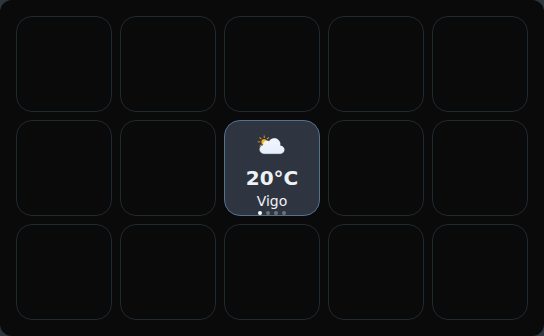
Button · Weather
Type weather:weather
Location Vigo
Apply change
For your coding agent
Your setup, explained in your own words.
The optional SirenoDECK skill helps your agent find the right config, understand included YAML, and propose changes to decks, buttons, and themes. You review edits before they happen.
Read the config skillInstall for your preferred agent
sirenodeck skillsOr install directly, without running SirenoDECK:
npx skills add https://github.com/sergiocarracedo/sireno-deck/tree/main/skills/sirenodeck-config --skill sirenodeck-config --globalOptional on first interactive startup. The agent asks before modifying your configuration.
Remote mode
Your deck,
in your pocket.
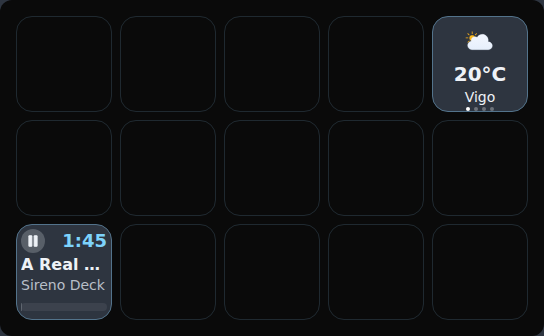
No Stream Deck hardware required. Start the daemon with--remoteand it serves a token-gated, deck-only view on your LAN. Scan the QR it prints and your phone becomes the deck.
The URL is token-gated — only devices with the QR-scoped link can connect. Buttons tap straight into the same runtime as hardware.

scan at runtime for your deck URL
Customization
Themes that fit you
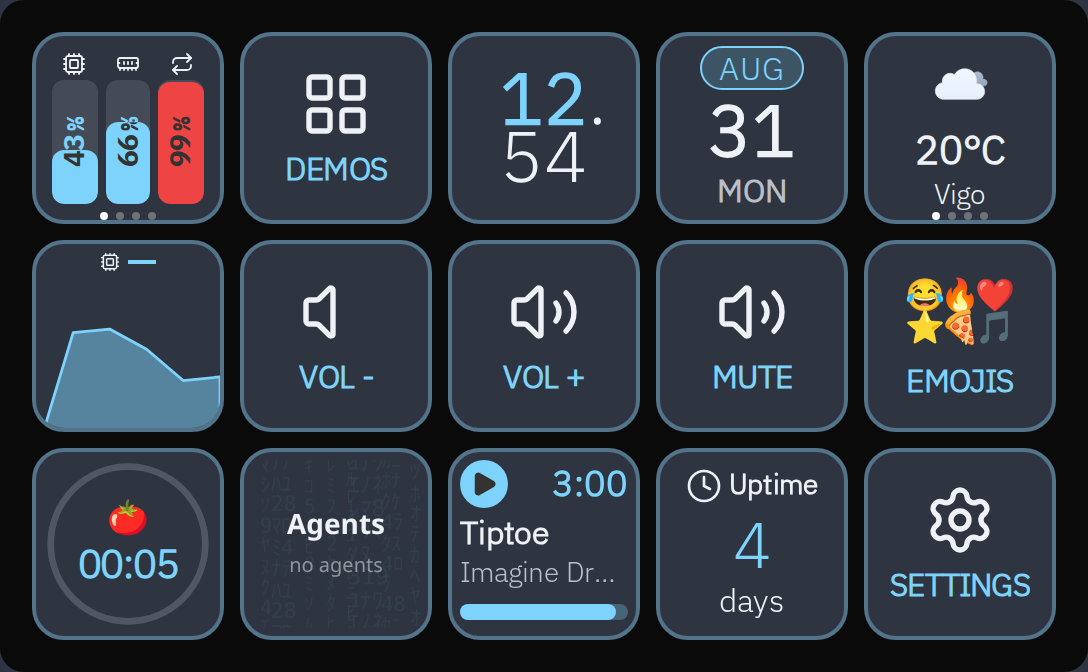
From built-in essentials to independently crafted looks. Create your own with color and typography tokens.
Default
officialThe built-in slate dark theme. Deep slate background, cyan accents, IBM Plex Sans + Plex Mono typography.
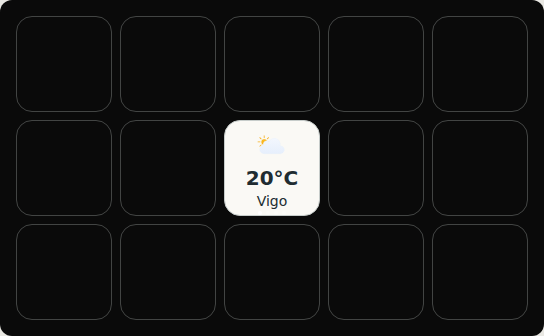
Light
officialClean minimal light theme. Perfect for bright environments and daytime use.
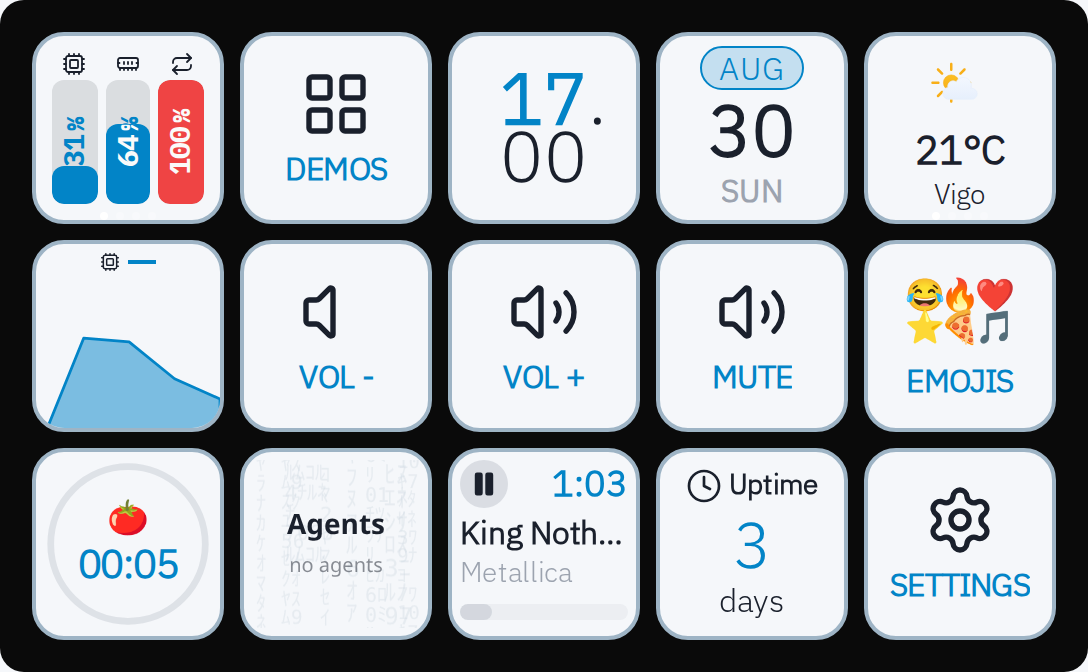
Folio
communitySoft ivory tiles, graphite typography and a single deep-blue accent. A calm, tactile third-party theme inspired by the clarity of mobile interfaces.
Ecosystem
Included addons
6 first-party addons ship with the CLI — plus more workspace addons and a growing community list in the registry.
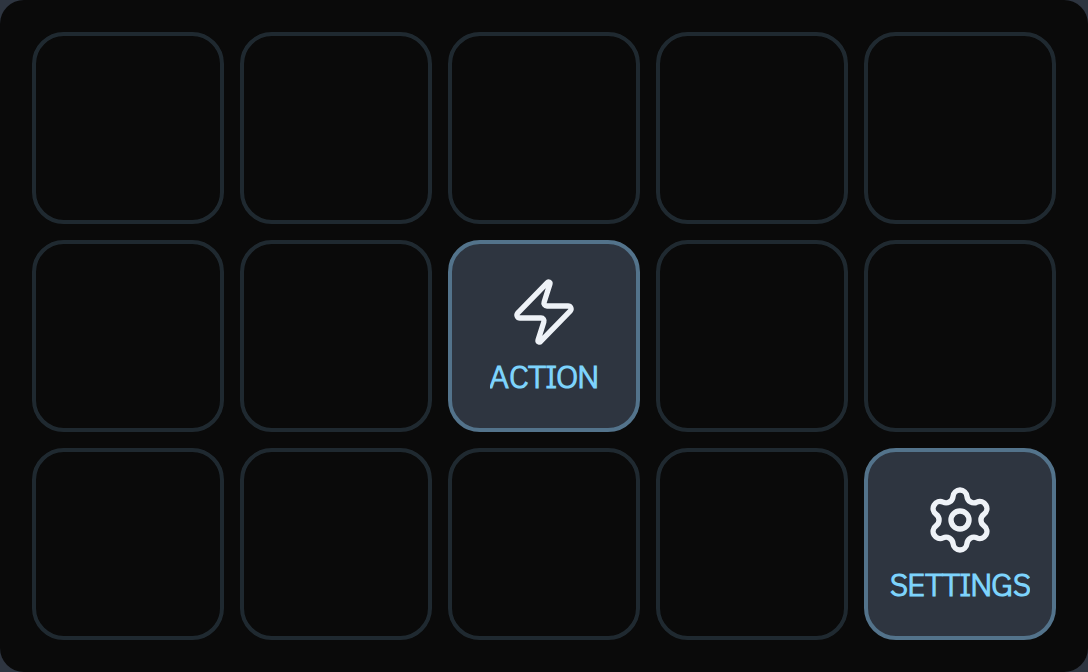
Core
Core deck navigation: action, change-deck, page-nav, toggle, media-sample, lock. The runtime backbone — every config.yml uses these.
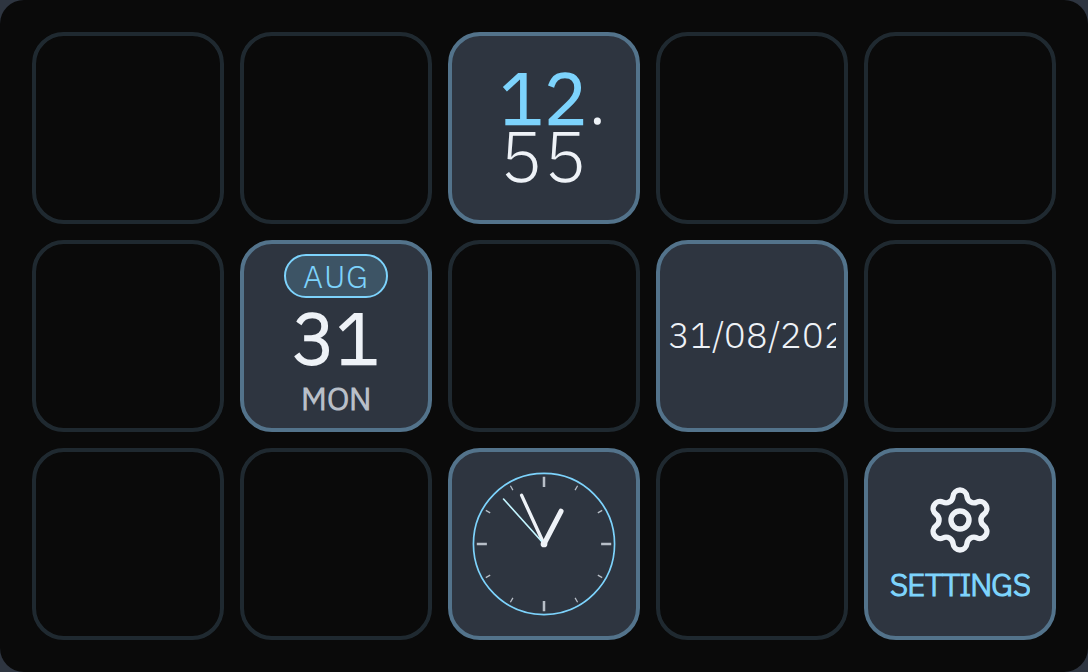
Date Time
Clock, date, and analog-clock widgets. Multiple display variants — drop one in any deck position.
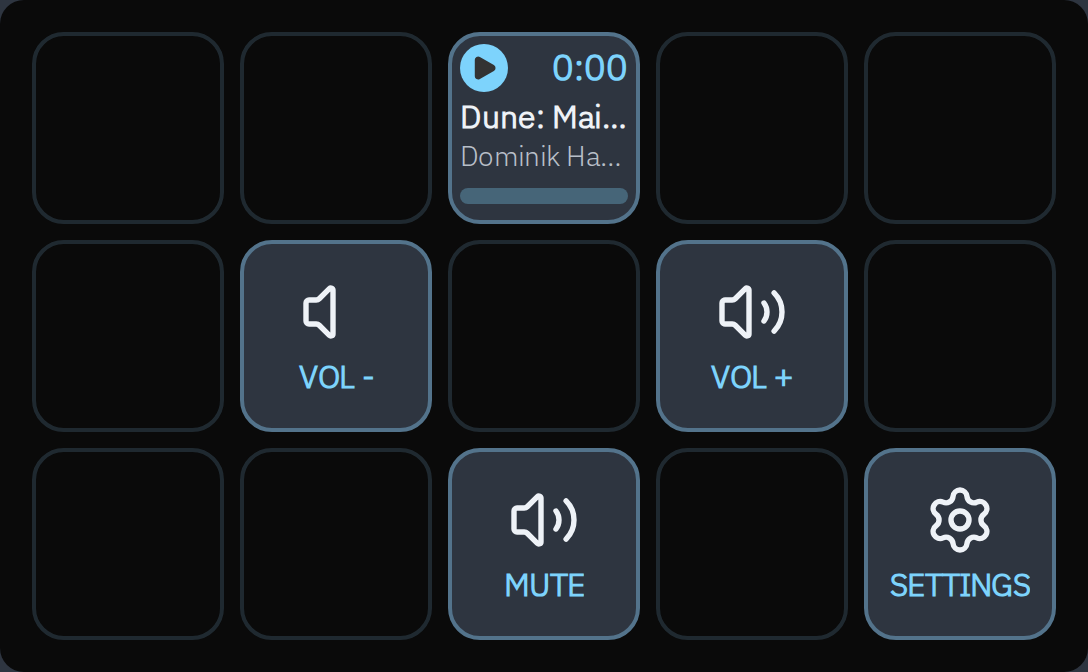
Media
Media playback controls. Play, pause, skip, and volume control for any media application.
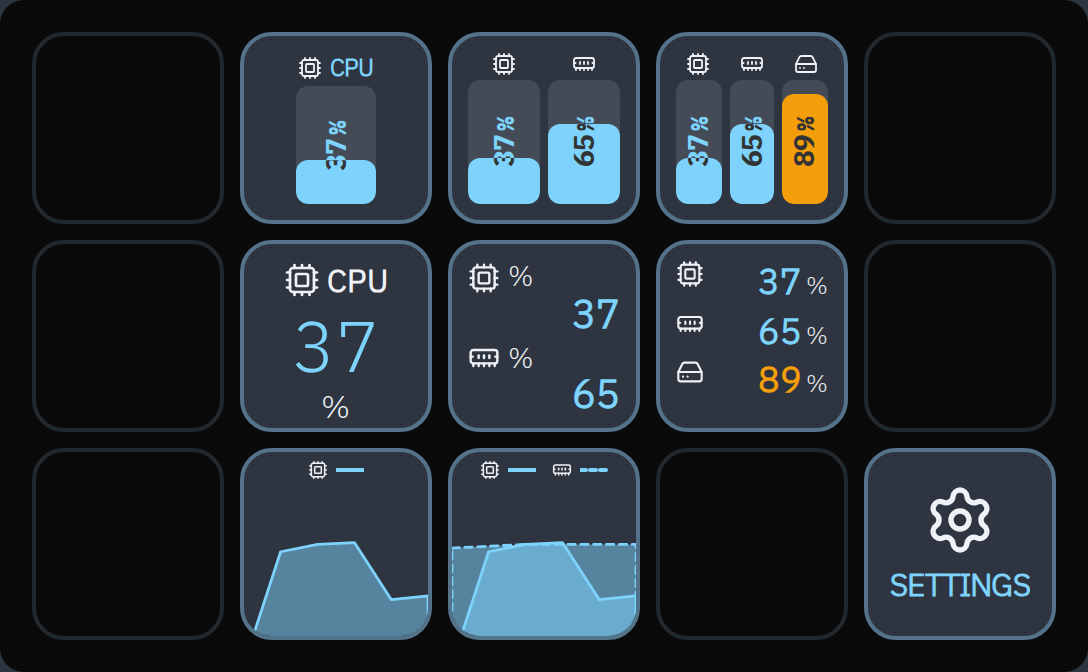
System Status
CPU, RAM, swap, disk, network, battery, and temperature metrics with bars, KPIs, and chart visualizations.
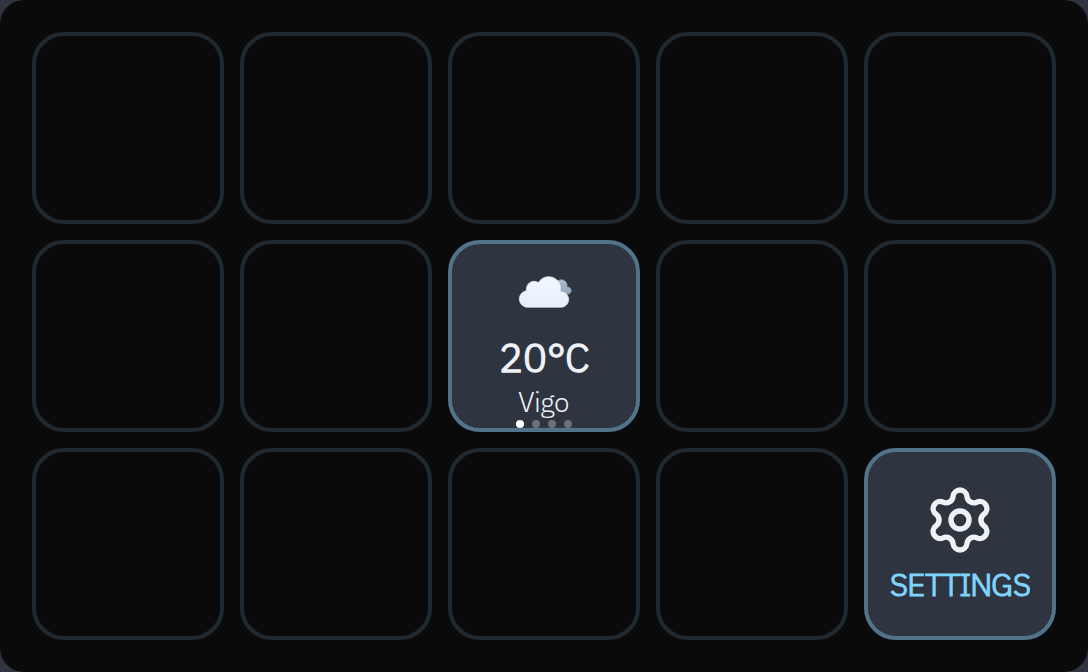
Weather
Real-time weather with temperature, conditions, and forecast. Configure latitude / longitude, get automatic geocoding by name.
Coding Agents
Live status of OpenCode + Claude Code sessions on the deck. See active agents, send prompts, manage contexts.
Get started
Up in 60 seconds
Install with Homebrew on macOS, Linux, or Windows through WSL.
Install the CLI
Start the onboarding
config.yml is generated for you.Make it yours
Extend it
pnpm i -g @sirenodeck/addon-app-shortcutsaddons: ["@sirenodeck/addon-app-shortcuts"].Browse the addon registry